單一產品
本網站僅面向 App Tester。價格、螢幕截圖與供應情況以 Play 資訊頁為準。
Android · 僅 Play 活動
App Tester: Beta Testing 是面向測試者與開發者的免費社群。探索 Google Play 活動、完成具體任務、傳送結構化回饋,並攀升季節排名 — 無需上傳 APK,也不需付費測試者。
0 Google Play 安裝數
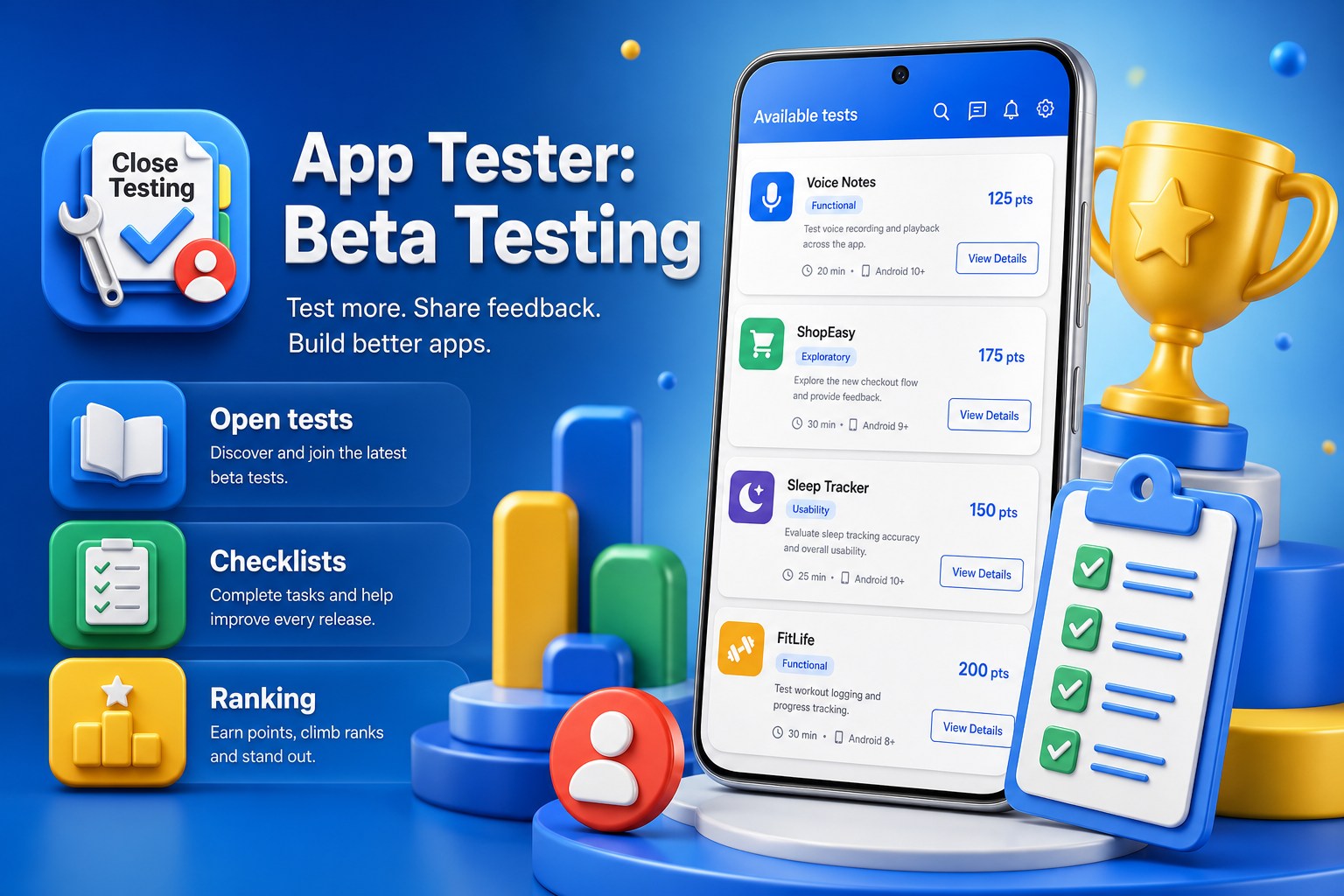
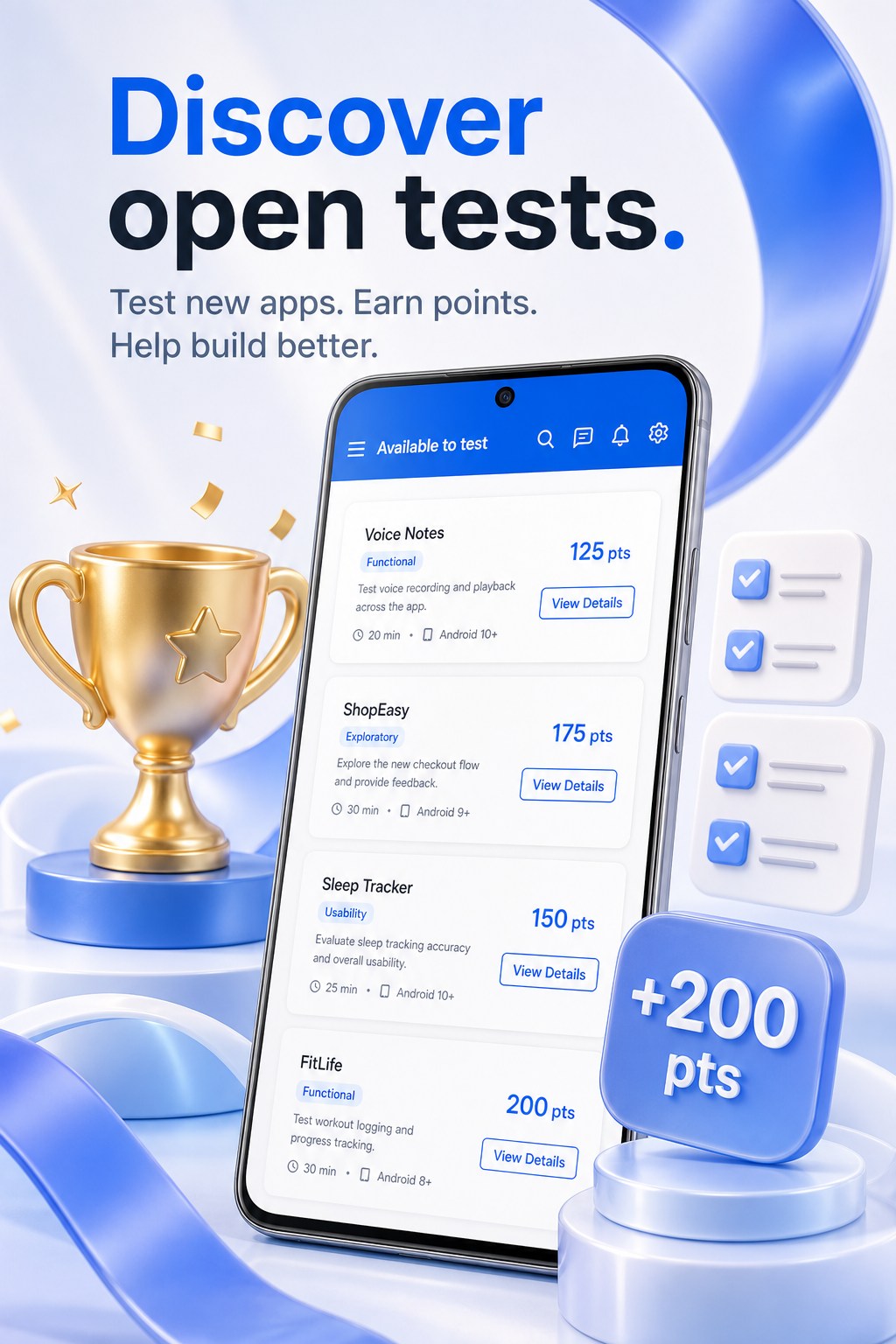
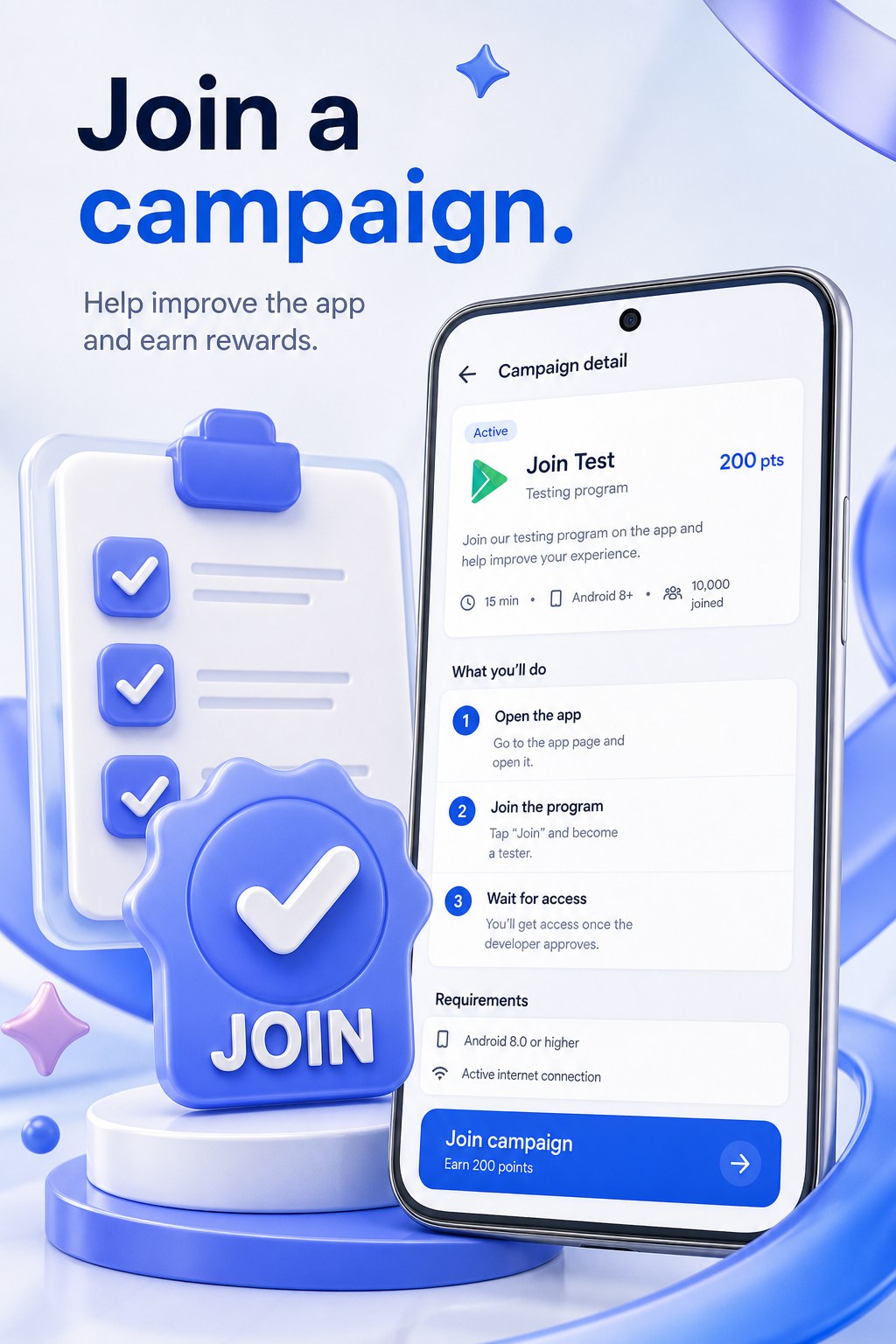
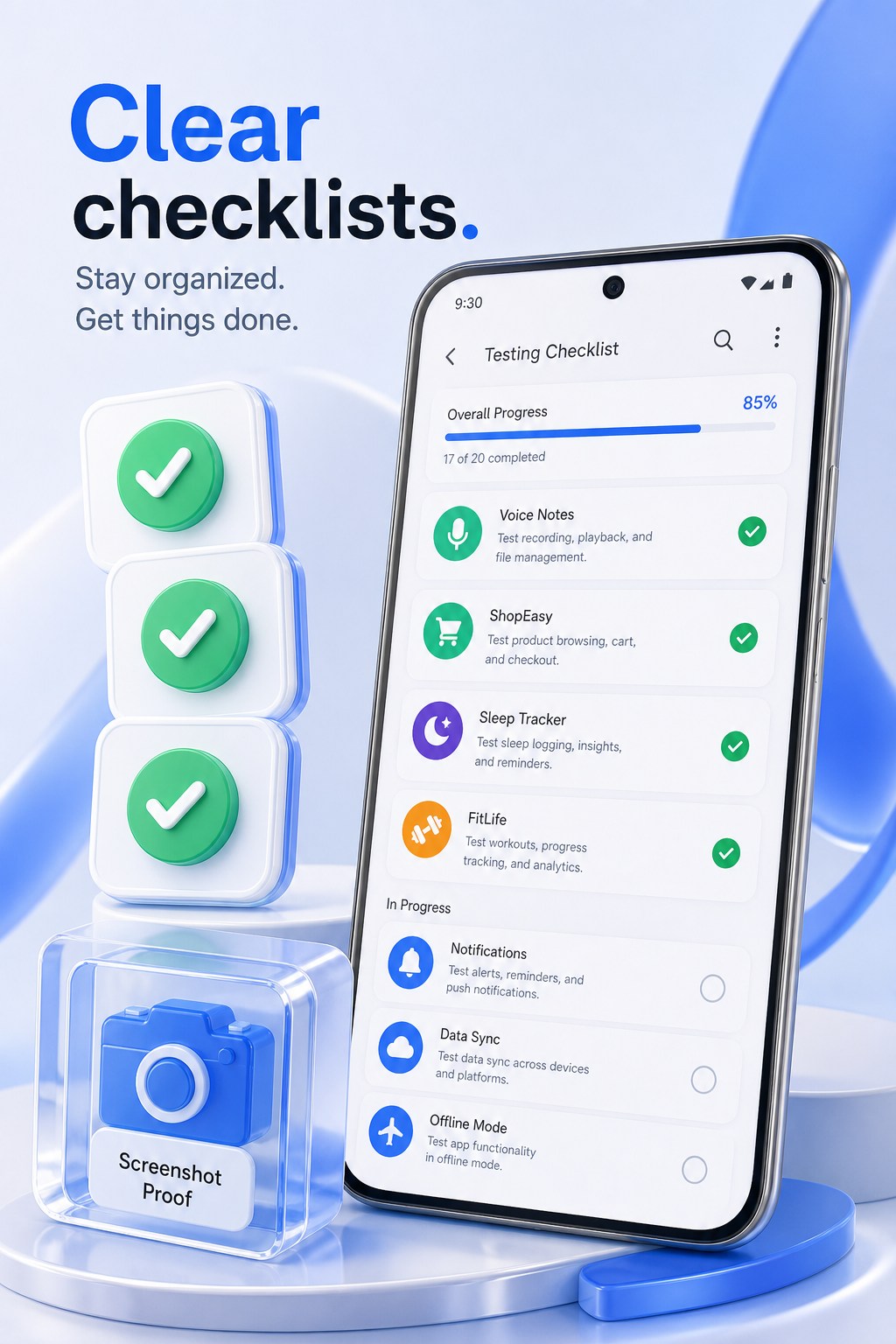
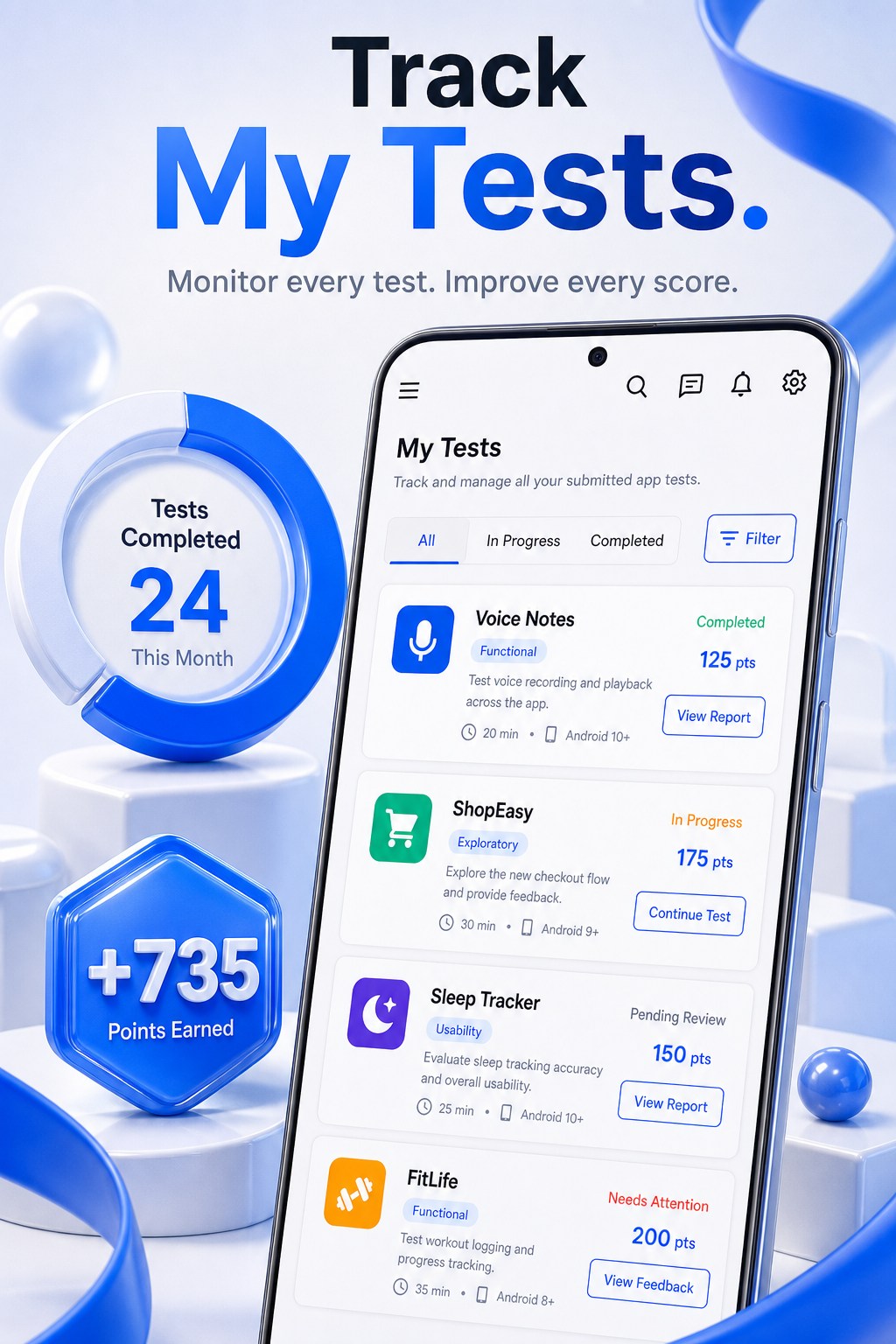
手機圖片是產品介面的行銷示意。商店螢幕截圖請優先查看 Play 資訊頁。
本網站僅面向 App Tester。價格、螢幕截圖與供應情況以 Play 資訊頁為準。
測試者透過 Google Play 安裝。開發者新增 Play 網址與套件名稱 — 本應用程式不託管 APK。
點數不可提領、出售或用於購買 Play 評分。它們記錄參與與信譽。
來自 App Tester 的公開進行中活動 — 與應用程式內市場目錄相同。請在應用程式內加入並從 Google Play 安裝。
正在載入活動…
瀏覽活動、按日完成任務、以開發者身份審閱回饋,並維持絕不顯示電子郵件的公開測試者資料。
瀏覽公開測試、加入活動,並從 Google Play 安裝版本 — 絕不從未知來源安裝。
遵循清單與日程。測試是結構化工作,不是社群動態。
在活動需要證明時提交清楚回饋與選用螢幕截圖。
無限儲存 Play 應用程式、設定測試者上限與鎖定獎勵、查看活動並審閱提交。
賺取無現金價值的點數並攀升季節排名。資料顯示 Tester #ID、裝置等級與可靠度。
回報釣魚、不安全說明或繞過 Play Protect 的請求。嚴重回報可凍結活動。
從 Google Play 安裝 App Tester,登入,並用代碼或邀請連結加入活動。
開啟活動的 Play 封閉測試連結,僅透過 Google Play 安裝。未在 App Tester 中加入時,僅有 Play 連結不夠。
完成清單、提交結構化回饋並建立信譽。活動要求時,開發者會審閱證明。
帳戶、活動、聊天與回饋位於 Android 應用程式及其 Firebase 後端。本網站不接收這些資料。這些頁面的分析僅衡量造訪。
應用程式隱私權政策 — 包括 Google Sign-In、Firebase、廣告與 Premium — 由 GIXSOFT 發布。 https://gixsoft.com/privacy
測試者 Google Group
https://groups.google.com/g/app-tester-beta-testing
app-tester-beta-testing@googlegroups.com
不會。測試者僅透過 Google Play 安裝。開發者從不在此上傳 APK。
不是。點數無現金價值。不可提領、出售或用於購買 Play 評分。
Tester #ID、裝置等級、可靠度與信譽 — 絕不顯示電子郵件或 Google 帳戶。
僅從 com.gixsoft.app_tester 的官方 Google Play 資訊頁。本網站不發行 APK。
Join the tester group at https://groups.google.com/g/app-tester-beta-testing — Play Console email: app-tester-beta-testing@googlegroups.com. If Groups is blocked on your network, open Support for free 1.1.1.1 + WARP steps. You do not need WARP+.
Usually a slow or offline connection while the app verifies your account — not a wrong Google password. Switch Wi‑Fi/mobile data, tap Try again, and update App Tester from Play when a newer build is available. If it keeps failing, use the Support contact form.
Joining the shared Google Group is only step one. Each developer must also add that group email in Play Console → Closed testing → Testers → Google Groups. Wait a few minutes for Play to sync, then reopen the testing link.
Open Support on this site and use the contact form (it opens your email app). Prefer the in-app report tools when you are already signed in — they attach useful diagnostics.