One product
This site is only for App Tester. The Play listing is the source of truth for price, screenshots, and availability.
Android · Play campaigns only
Live public campaigns from App Tester — the same marketplace catalog as in the app. Join and install from Google Play inside the app.
0 Google Play installs
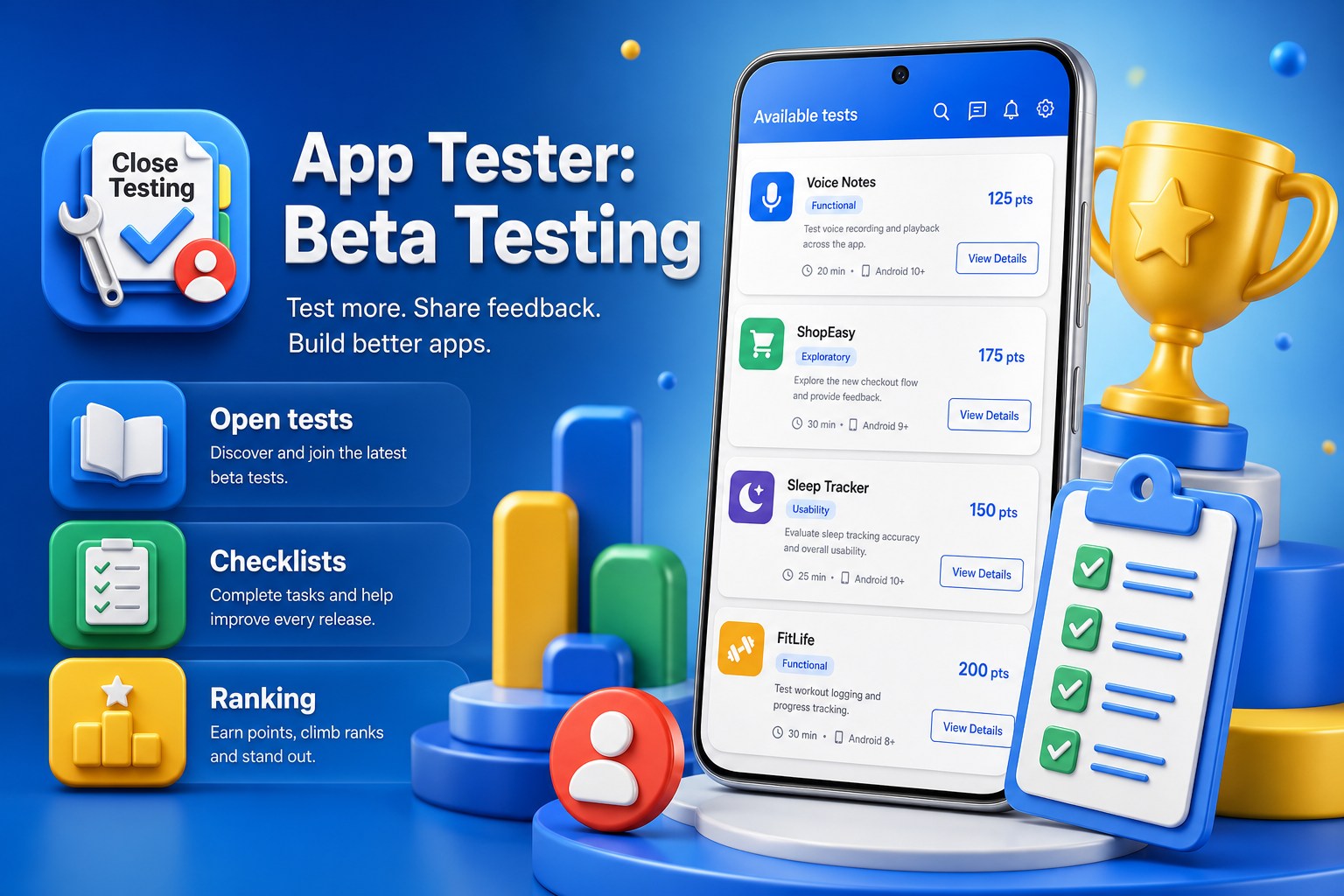
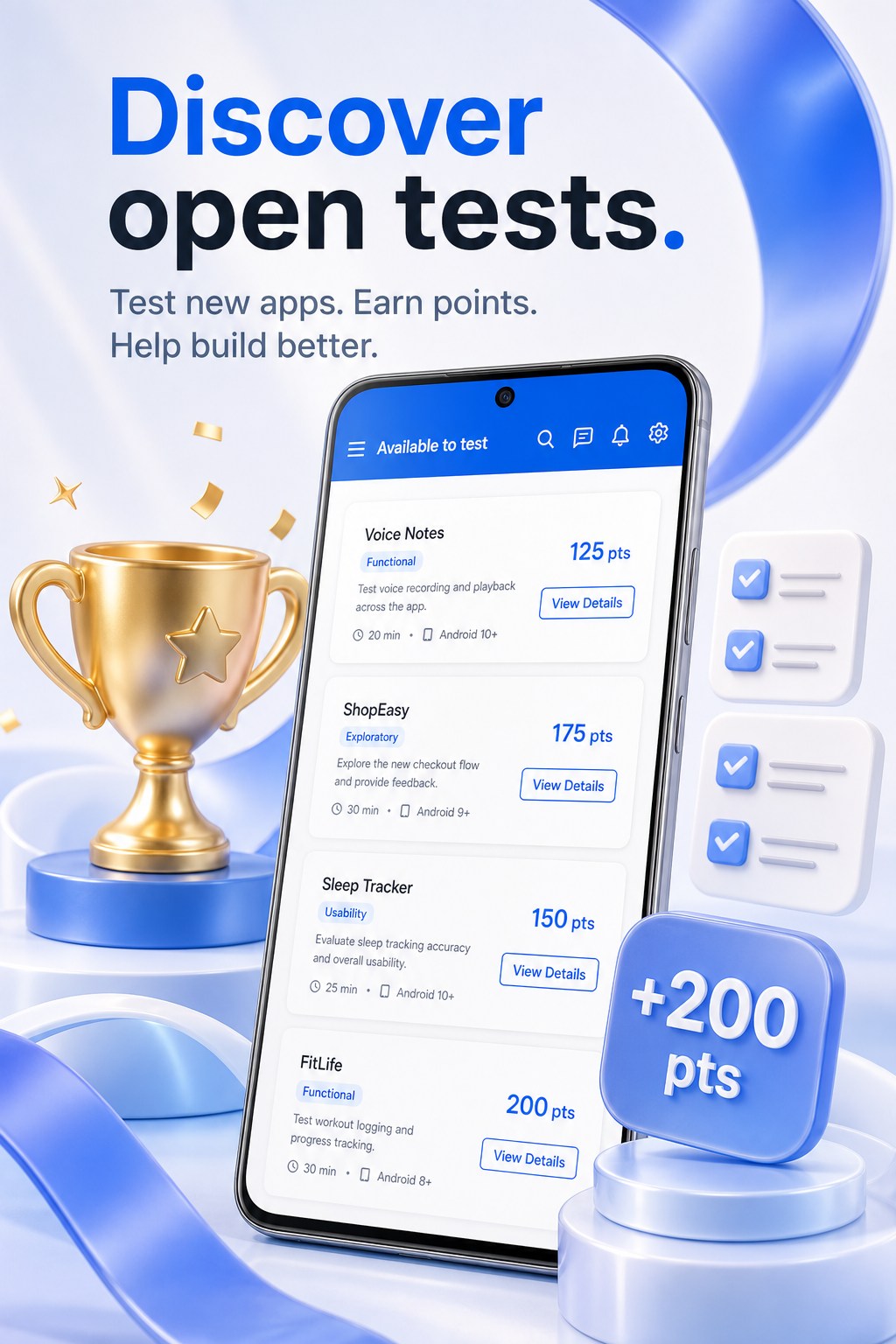
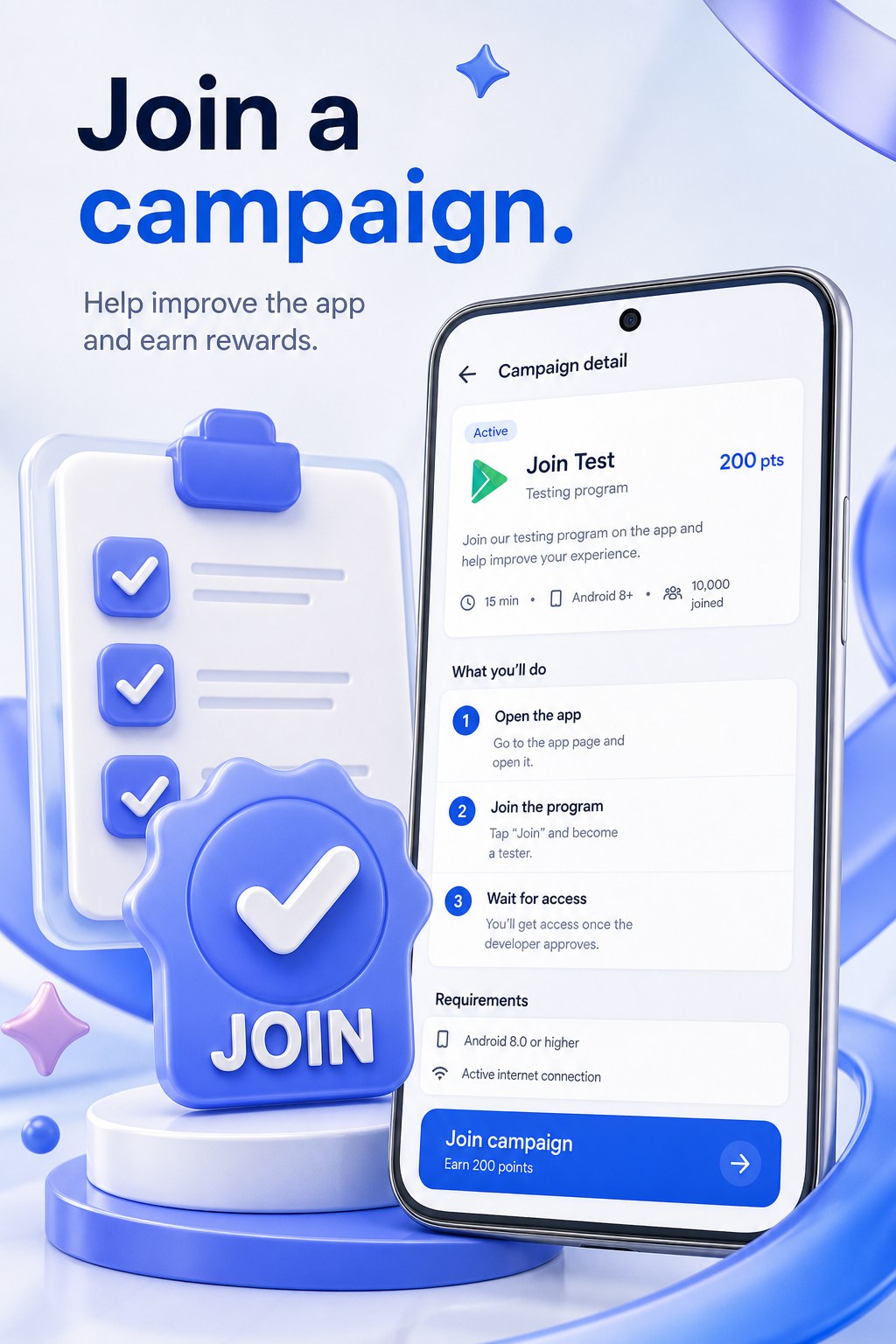
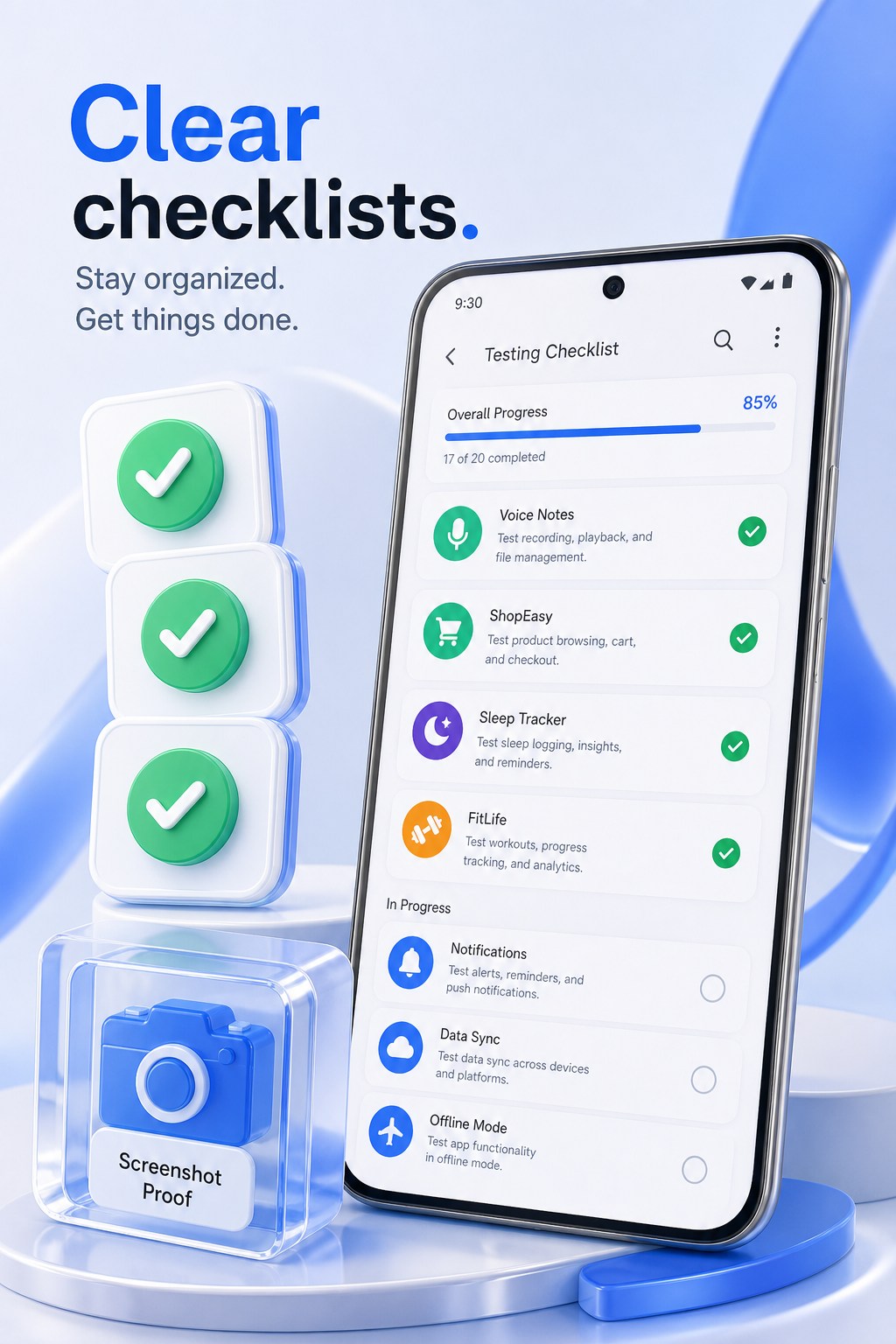
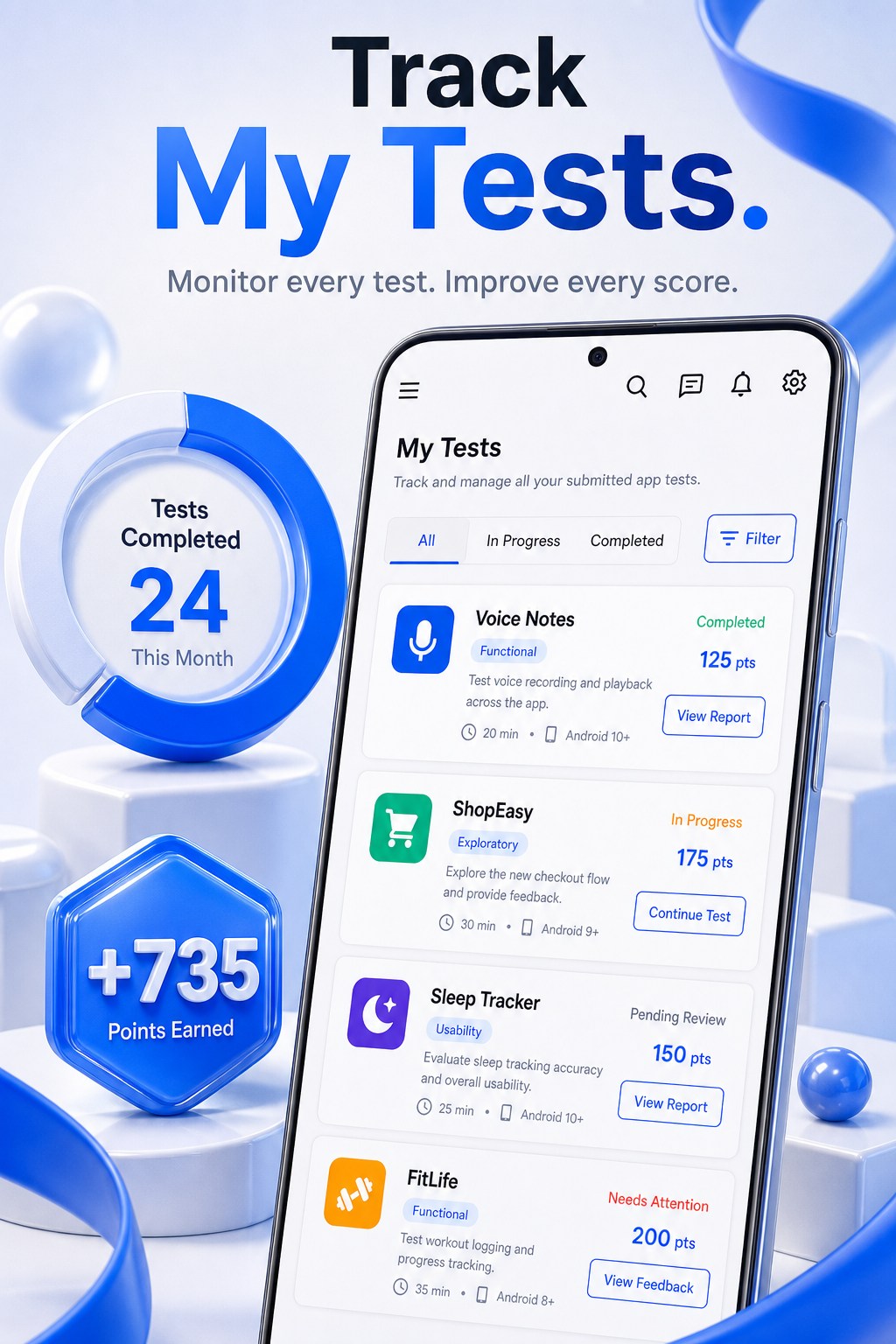
Phone images are marketing illustrations of the product UI. Prefer the Play listing for store screenshots.
This site is only for App Tester. The Play listing is the source of truth for price, screenshots, and availability.
Testers install through Google Play. Developers add a Play URL and package name — this app does not host APKs.
Points cannot be withdrawn, sold, or used to buy Play ratings. They track participation and reputation.
Live public campaigns from App Tester — the same Available catalog as in the app. Join and install from Google Play inside the app.
Loading campaigns…
Browse campaigns, complete day-by-day tasks, review feedback as a developer, and keep a public tester profile that never shows your email.
Browse open tests, join a campaign, and install the build from Google Play — never from an unknown source.
Follow checklists and day schedules. Testing is structured work, not a social feed.
Submit clear feedback and optional screenshots when a campaign requires proof.
Save unlimited Play apps, set tester caps and locked rewards, watch activity, and review submissions.
Earn non-cash points and climb seasonal rankings. Profiles show Tester #ID, device class, and reliability.
Report phishing, unsafe instructions, or Play Protect bypass requests. Serious reports can freeze a campaign.
Install App Tester from Google Play, sign in, and join a campaign with a code or invite link.
Open the campaign’s Play closed-test link and install only through Google Play. A Play link alone is not enough without joining in App Tester.
Finish the checklist, submit structured feedback, and build reputation. Developers review proof when the campaign requires it.
Accounts, chat, feedback, and joining live in the Android app. This site only shows a read-only public Available catalog so visitors can see what is open to test. Analytics on these pages only measures visits.
The app privacy policy — including Google Sign-In, Firebase, ads, and Premium — is published by GIXSOFT. https://gixsoft.com/privacy
Tester Google Group
https://groups.google.com/g/app-tester-beta-testing
app-tester-beta-testing@googlegroups.com
No. Testers install only through Google Play. Developers never upload an APK here.
No. Points have no cash value. They cannot be withdrawn, sold, or used to buy Play ratings.
Tester #ID, device class, reliability, and reputation — never your email or Google account.
Only from the official Google Play listing for com.gixsoft.app_tester. This website does not distribute an APK.
Join the tester group at https://groups.google.com/g/app-tester-beta-testing — Play Console email: app-tester-beta-testing@googlegroups.com. If Groups is blocked on your network, open Support for free 1.1.1.1 + WARP steps. You do not need WARP+.
Usually a slow or offline connection while the app verifies your account — not a wrong Google password. Switch Wi‑Fi/mobile data, tap Try again, and update App Tester from Play when a newer build is available. If it keeps failing, use the Support contact form.
Joining the shared Google Group is only step one. Each developer must also add that group email in Play Console → Closed testing → Testers → Google Groups. Wait a few minutes for Play to sync, then reopen the testing link.
Open Support on this site and use the contact form (it opens your email app). Prefer the in-app report tools when you are already signed in — they attach useful diagnostics.